WallHang
A gallery wall planner for iPhone. Measure your wall, arrange the frames you already own, and get the exact spot for every nail before you drill.
Download the press kit (ZIP, 15 MB)Fact sheet
- Developer
- Morrowfield Labs, Inc.
- Released
- November 6, 2026
- Platform
- iPhone, iOS 17 or later
- Availability
- App Store, 175 countries and regions
- Price
- Free for one wall. WallHang Pro: $7.99 one-time purchase, no subscription, Family Sharing
- Privacy
- No account, no ads, no tracking, no data collected
- App Store
- apps.apple.com/app/id6823468466
- Press contact
- [email protected]
Descriptions
One line
WallHang turns a gallery wall from guesswork into a measured plan, with the exact nail position for every frame.
Short
Hanging a gallery wall is a measuring problem disguised as a design problem. WallHang solves the measuring part. Enter your wall size, add the frames you already own, try a linear, gallery or salon layout, and WallHang tells you where each nail goes, measured from the floor and the wall's left edge. It accounts for single hooks, picture wire and pairs of D-rings, so the frame hangs where you planned it.
Long
Most gallery walls start with paper templates taped to the wall, or a lot of extra holes. WallHang, a new iPhone app from Morrowfield Labs, replaces both with a measured plan.
You enter your wall's size in centimeters or inches and add up to 20 frames by their real outside dimensions, or pick a common size like 8×10, A4 or 50×70 cm. Start from a linear, gallery or salon layout, then drag, snap and space the frames on a canvas drawn to scale. When it looks right, WallHang switches to a hanging guide that shows the support point for every frame, measured from the floor and from the wall's left edge, so all you need is a tape measure and a level.
The math covers the part that usually goes wrong: hangers. WallHang knows that picture wire drops when pulled taut and that two D-rings need two level nails, and it calculates where each one lands on the wall. You can preview the arrangement on a photo of your own wall, save or share the preview, and export a printable PDF measurement sheet.
WallHang has no account, no ads and no tracking; everything stays on the iPhone. It's free for one wall with up to four frames. WallHang Pro is a one-time $7.99 purchase that unlocks unlimited walls, 20 frames per wall, PDF export and an AR preview on supported iPhones.
Key features
- Real-scale wall canvas in centimeters or inches
- Up to 20 frames per wall, with common photo, print and poster sizes or custom dimensions
- Linear, gallery and salon layouts, plus drag, snap, exact positions and undo
- Nail positions from the floor and the left edge for hooks, wire and two D-rings
- Preview on a photo of your own wall; save or share the image
- Printable multi-page PDF measurement sheet (Pro)
- AR preview on supported iPhones (Pro)
- No account, no ads, no tracking
Screenshots
iPhone 6.9″, 1320 × 2868 PNG. Click to open the full size.
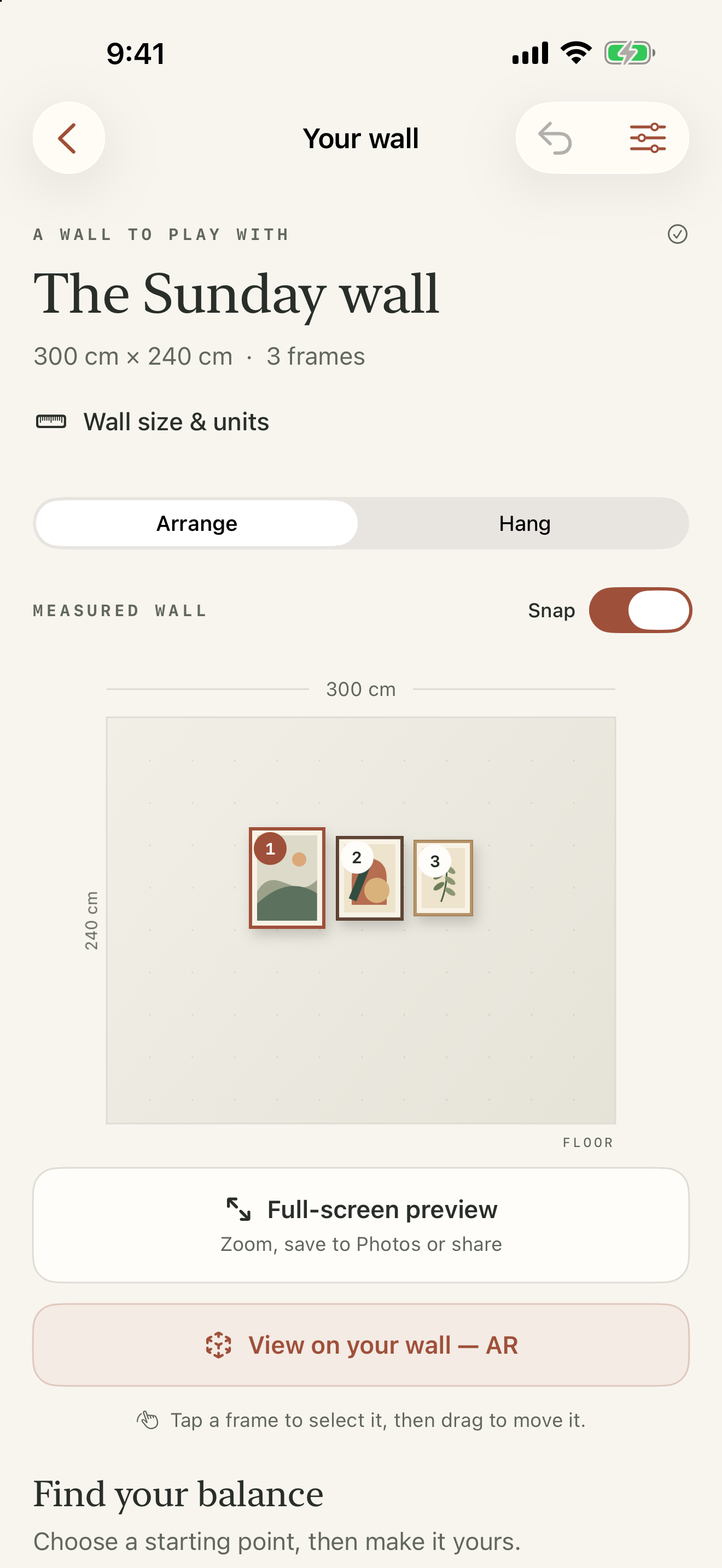 Arrange
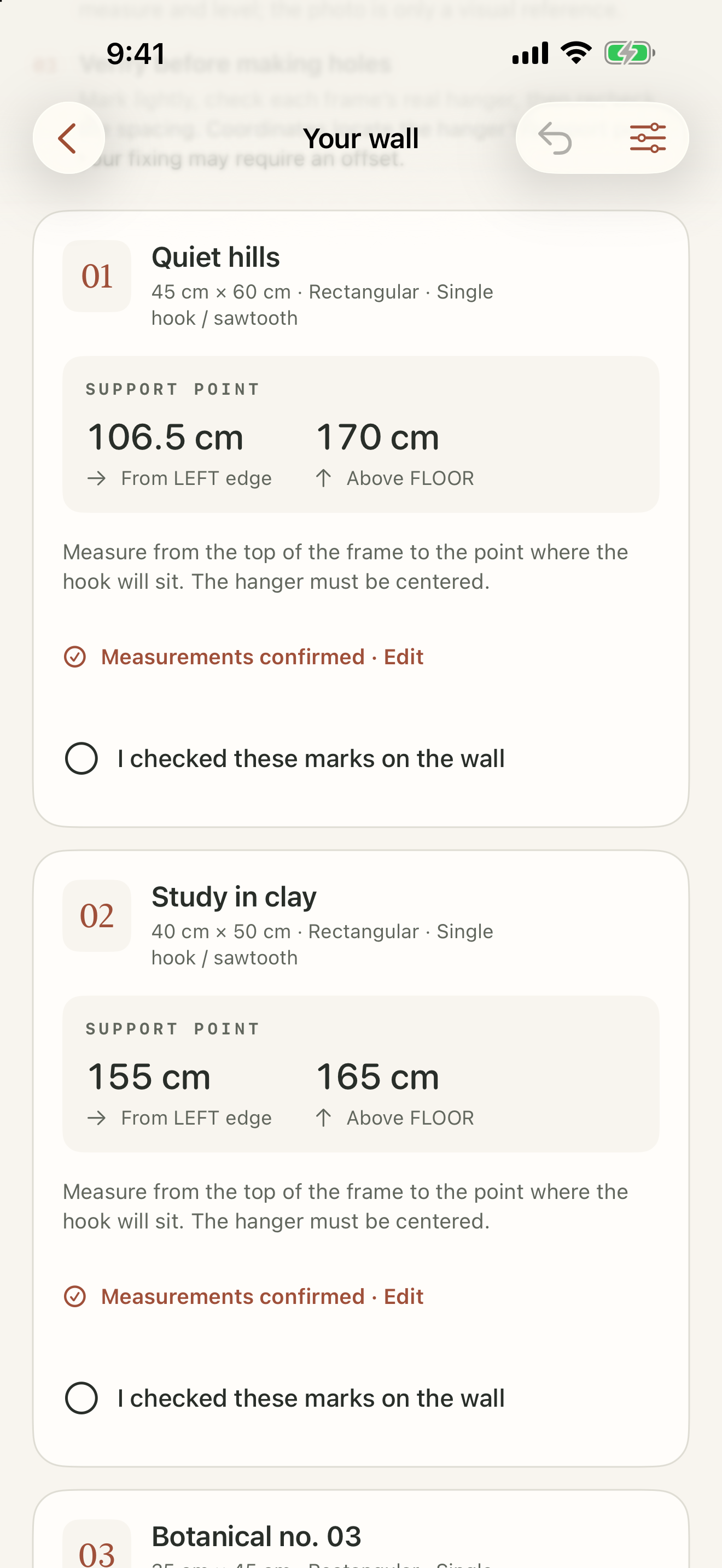 Hang
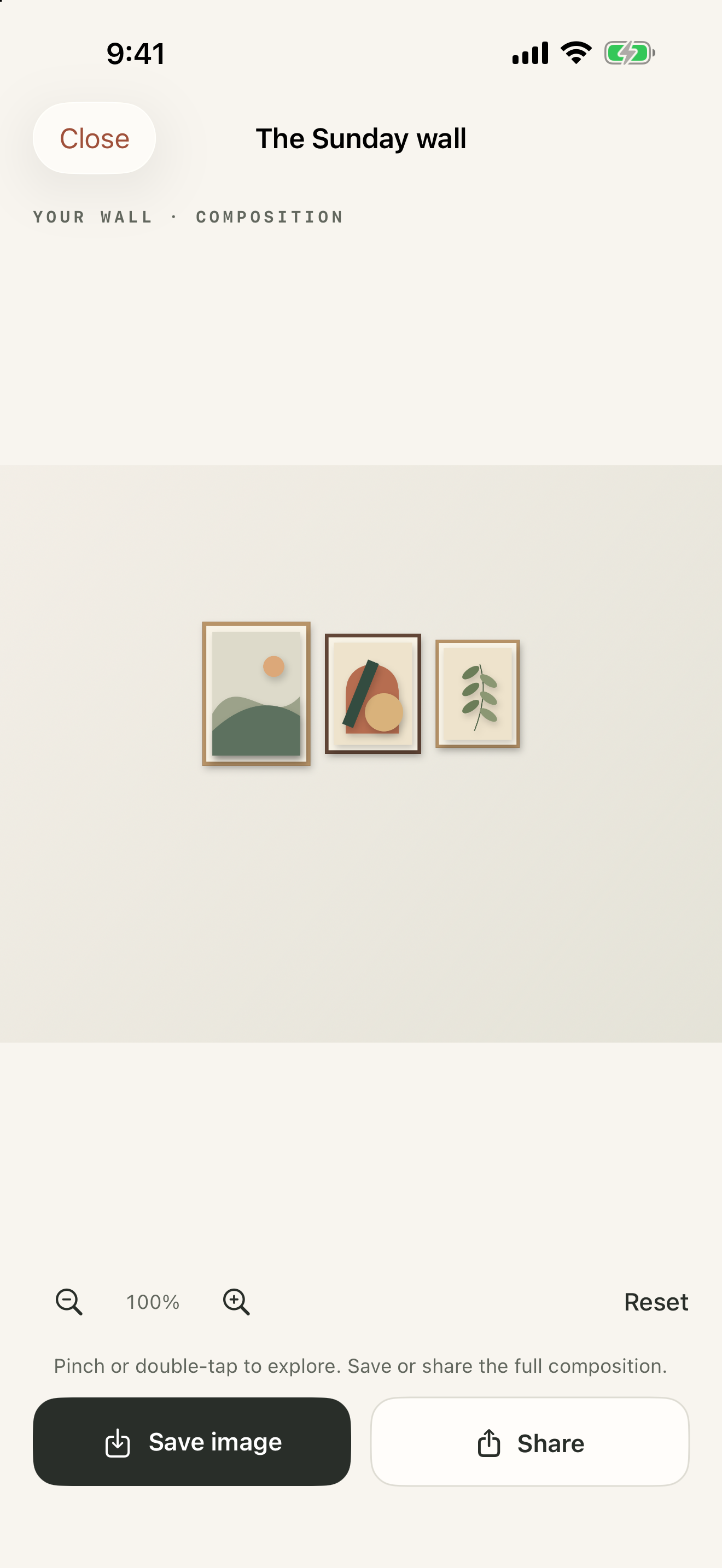 Preview
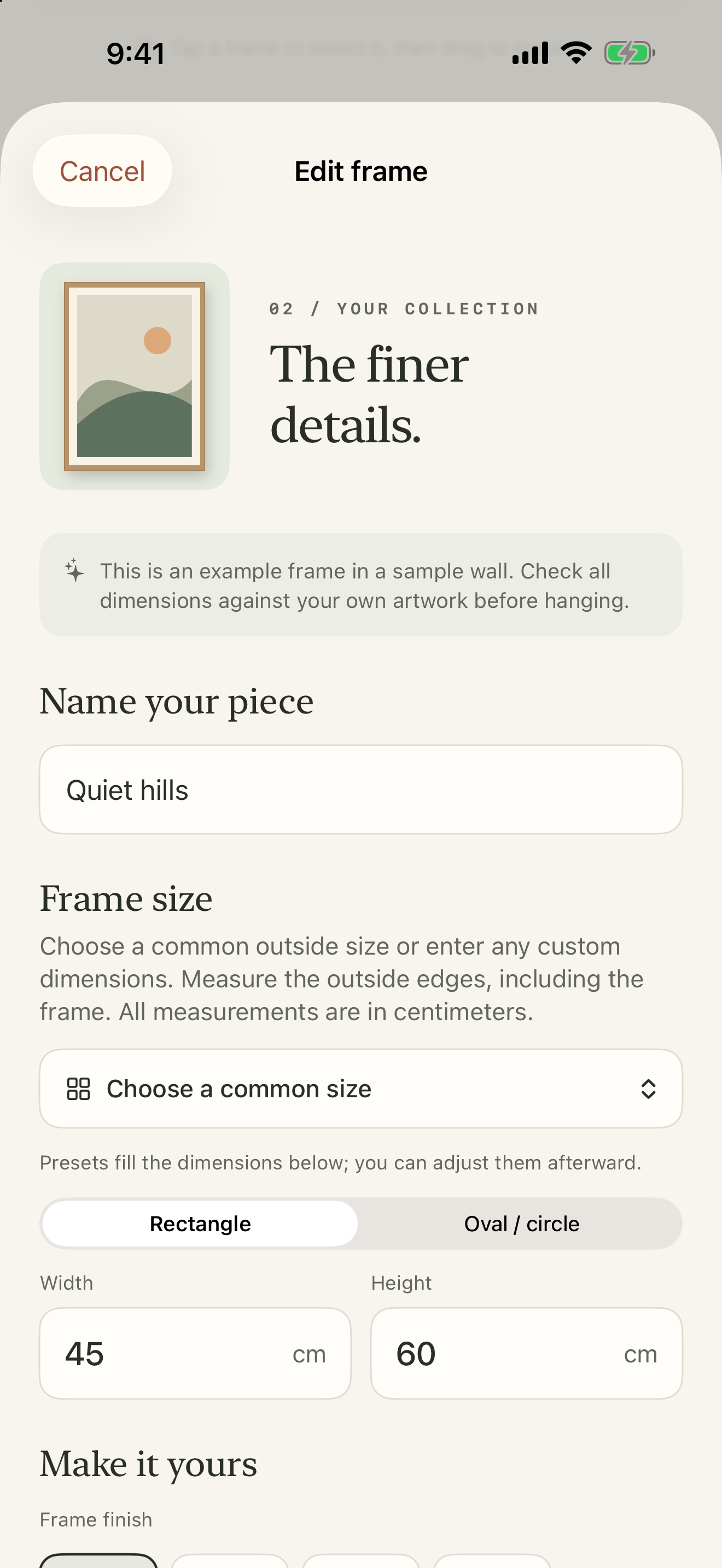 Frame editor
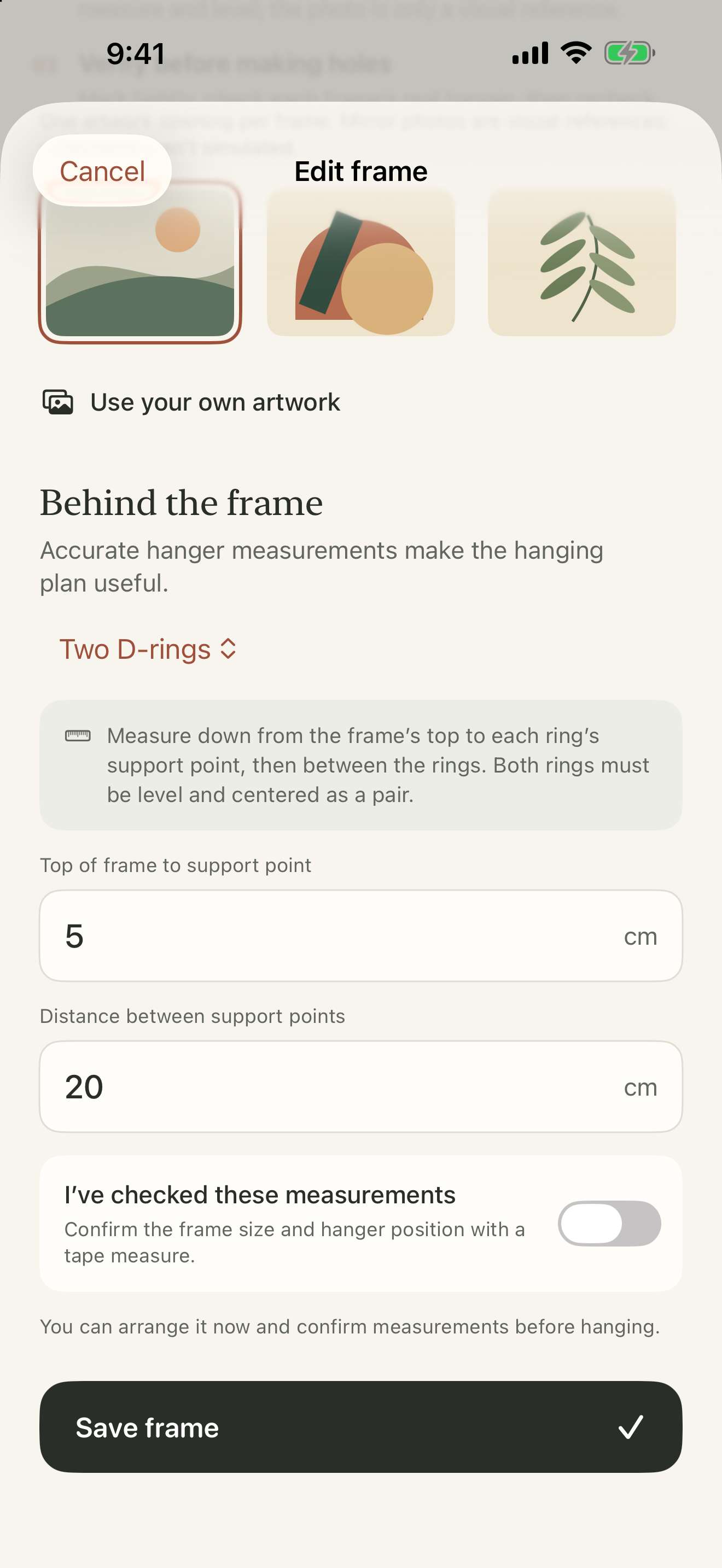 Hangers
Video
Downloads
- Promo video, 16:9 (1920×1080, 46 s)
- Promo video, vertical (1080×1920, 46 s)
- App icon (1024 × 1024 PNG)
- Header image (5244 × 2950 PNG)
- Video poster (PNG)

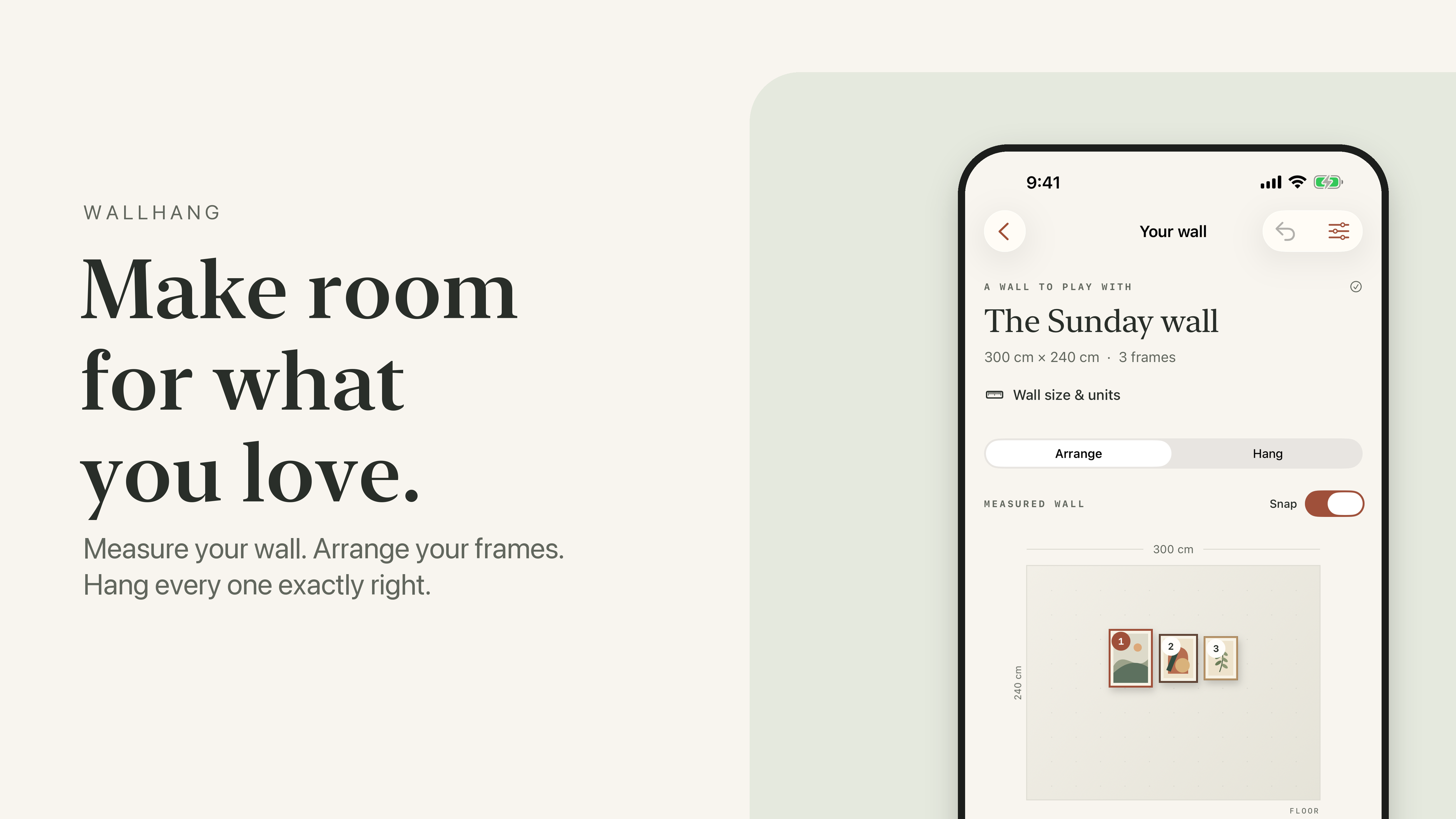
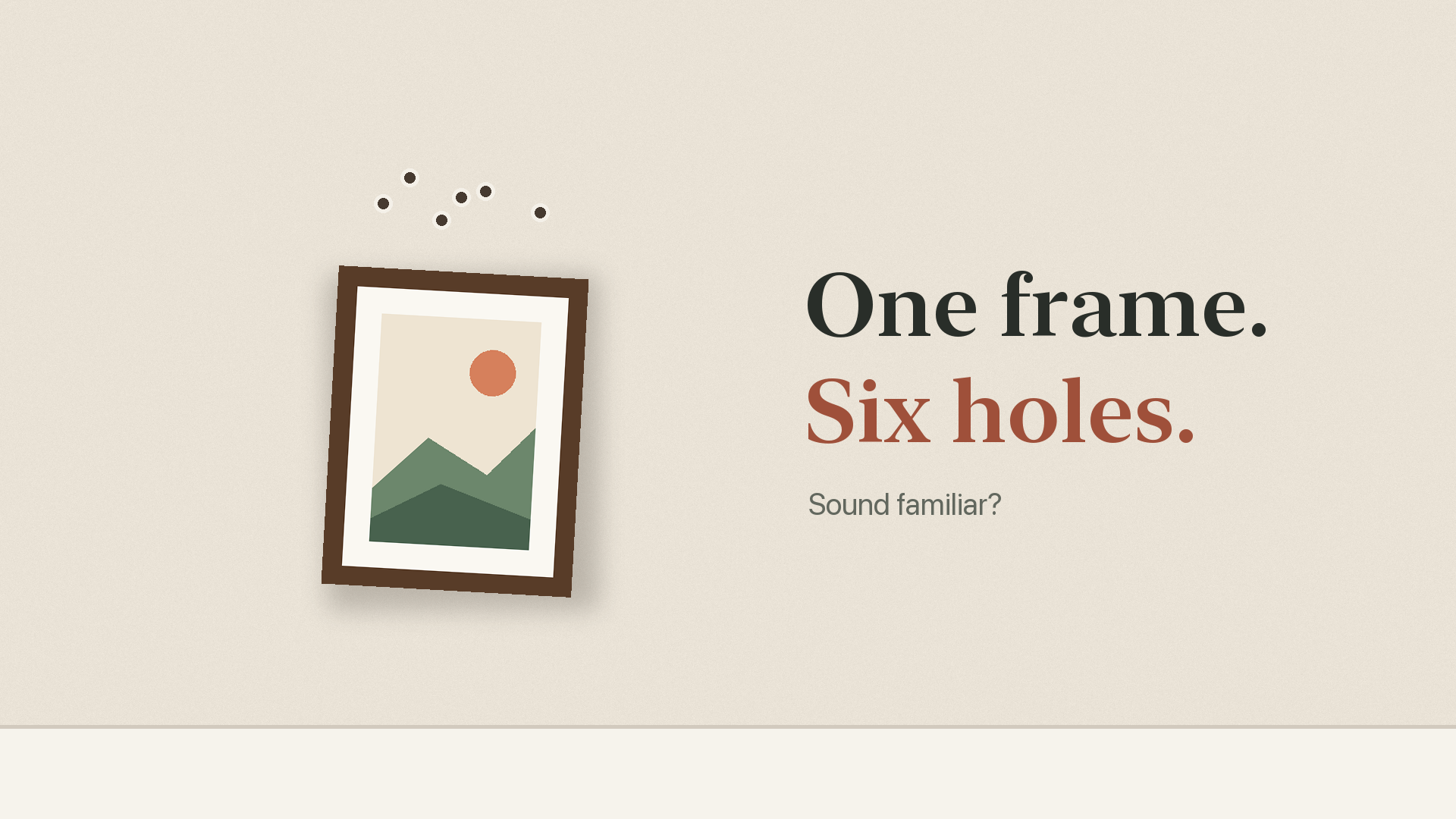
Free to use in coverage of WallHang. The wall photo in the video is by Josh Sorenson on Unsplash; the artwork is WallHang's own.
Photos and AR previews are visual references, not measuring tools. WallHang's coordinates locate each hanger's support point from the measurements entered; verify marks on the wall before drilling.